Install now from the Chrome Web Store →
For creators · Free

One playlist for everything you post.

Line up your videos, posts and threads from any platform on one page. Share a single link, and update it whenever you like.

Free. You sign in with an email code, no password.

See a sample page: saveyor.io/@saveyor →
For creators

Your best work shouldn’t get buried in your feed.

A series, a roadmap, a “start here”: on a profile grid they scatter. On a board they stay in order.

1

Add your links

Paste a video, a Reel, a thread, a blog post. The title and thumbnail fill themselves in.

2

Make the playlist

Group them into boards. Put boards inside a shelf for a series or a course, and drag them into order.

3

Share one link

saveyor.io/@you goes in your bio. Add to a board whenever you like; the link never changes.

A page that’s yours

Name, picture, about line, website and your social handles, above your shelves and boards.

No account to open it

Anyone with the link can browse your boards. They only sign in if they want to follow.

Followers stay current

Someone who follows you gets every board you share, including the ones you add later.

Shelves for a series

Part 1 to part 12, or beginner to advanced: boards inside a shelf, in the order you set.

Hide without deleting

Pull a link off a board for now. You still see it, faded; visitors don’t.

Lock a board

Share a board by its own link with a password, for the things that aren’t for everyone.

And for everything you save

Everything you meant to come back to.

Saveyor is also a private library. Save links, posts and notes from any app, then find them again, on your phone or the web.

Save

Share it. Done.

Tap Share in Safari, YouTube, X, anywhere. Saveyor is right there in the list.

Tag

Add a tag or a board. Or don't.

Saveyor grabs the title and picture for you. Everything else is optional.

Library

Everything in one place.

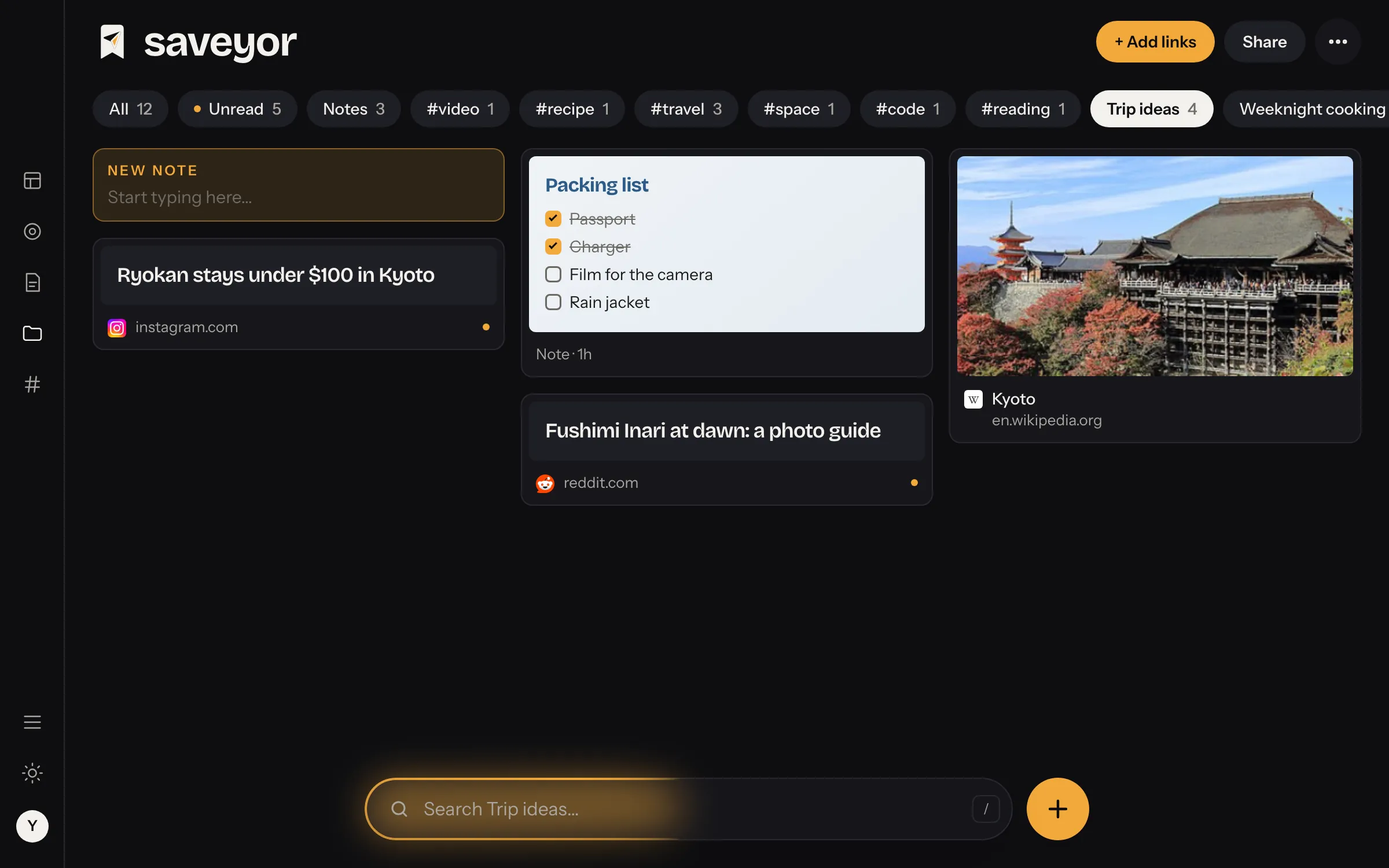
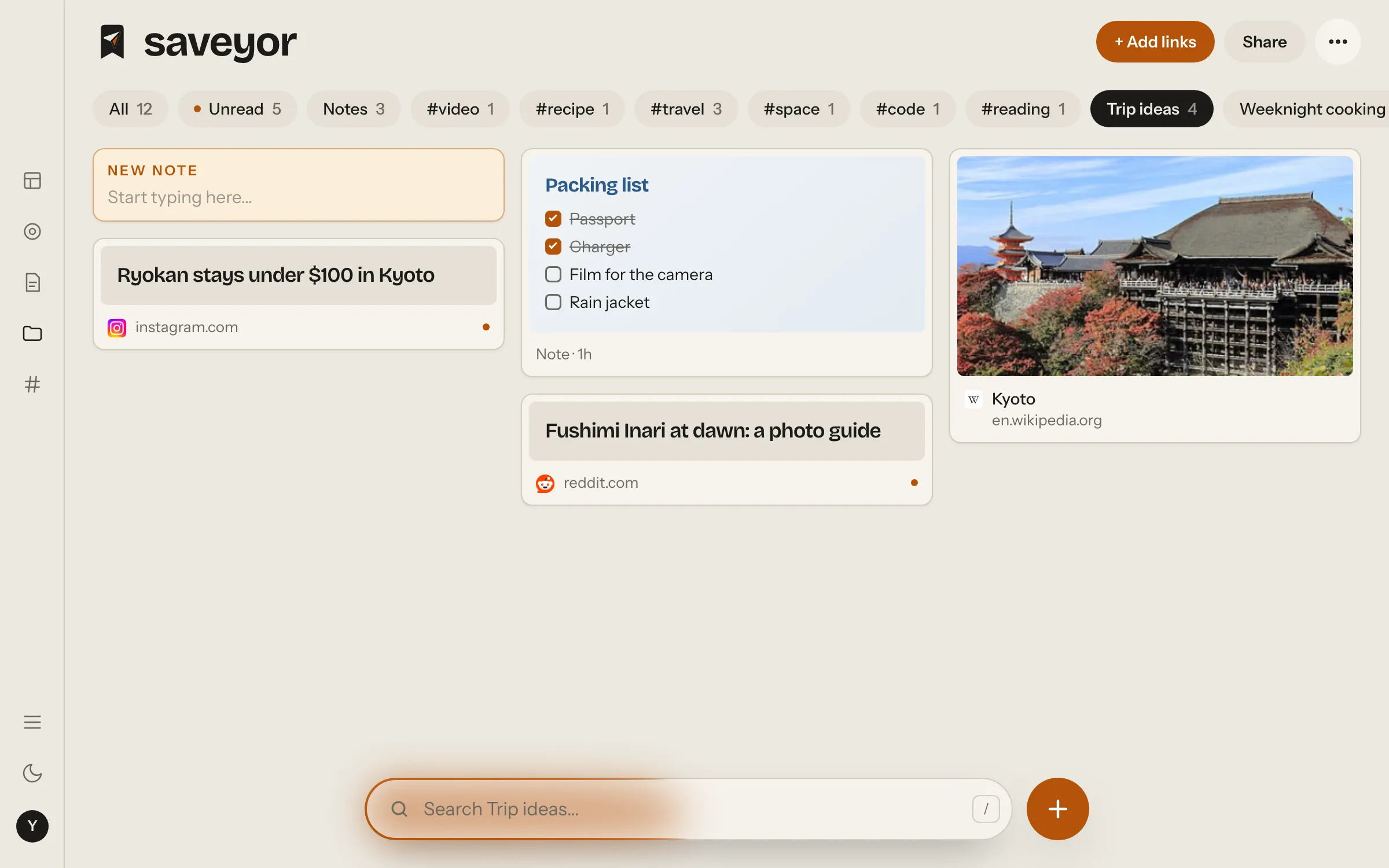
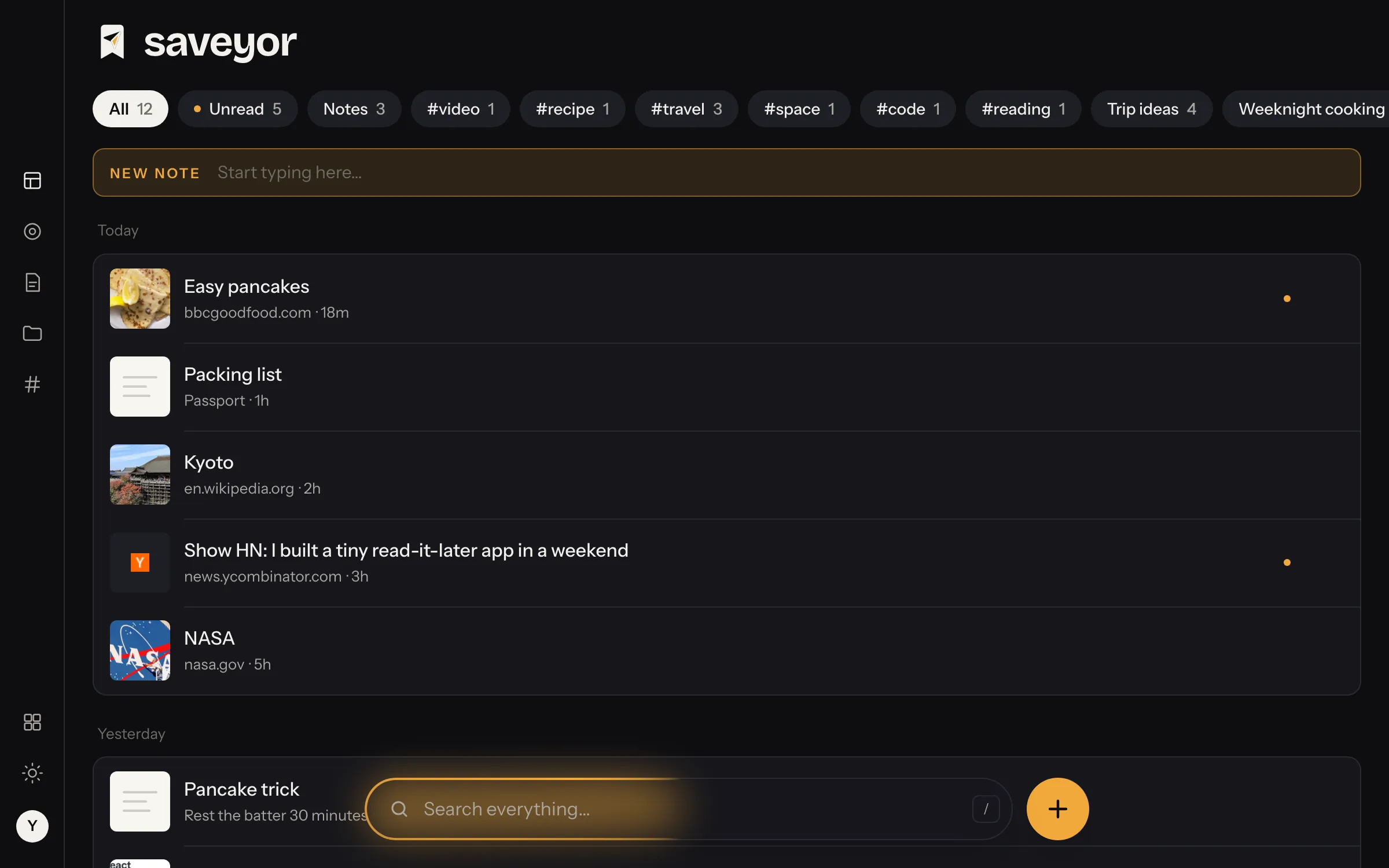
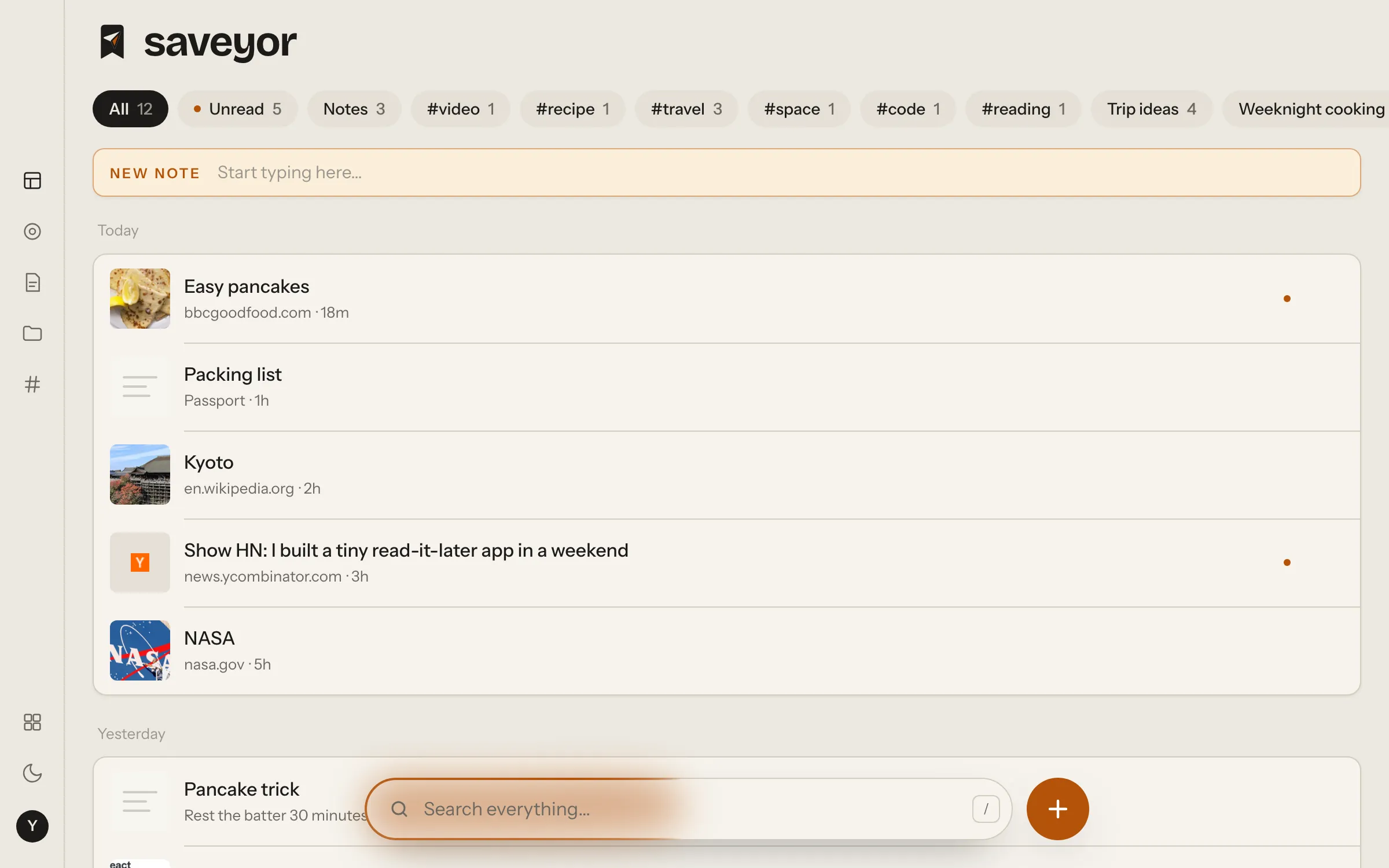
Links, videos, recipes and notes, pictures first, so you spot what you're after.

Read

Read without the clutter.

Reader strips a page down to the article. The text is kept, so it opens later even with no signal.

Boards

Sort into boards.

Trips, recipes, work. Share a board as a link anyone can open, no account needed on their side.

Offline

Works on the plane.

Recent links download a copy on their own, pictures included. The Downloads screen shows what's on your phone.
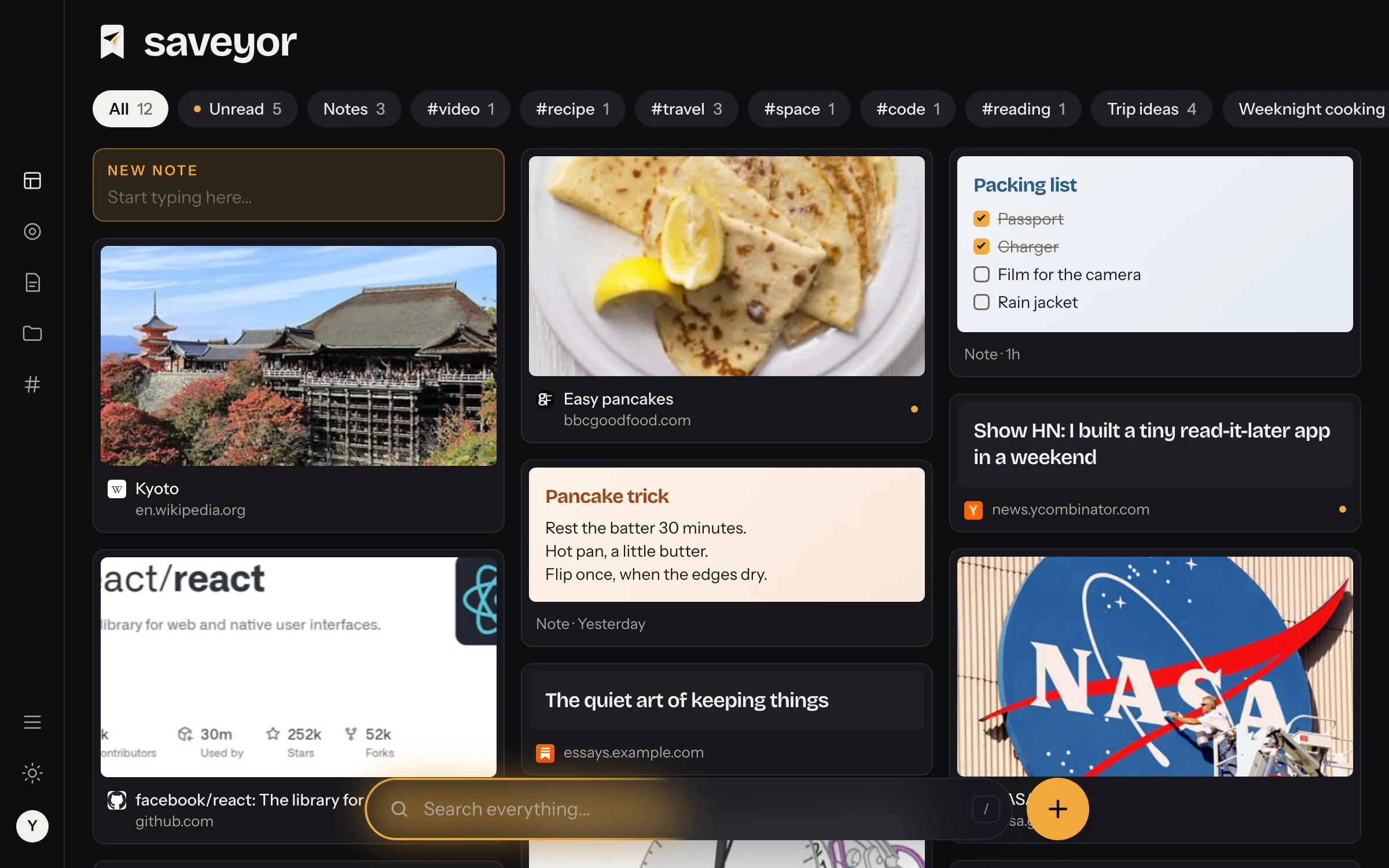
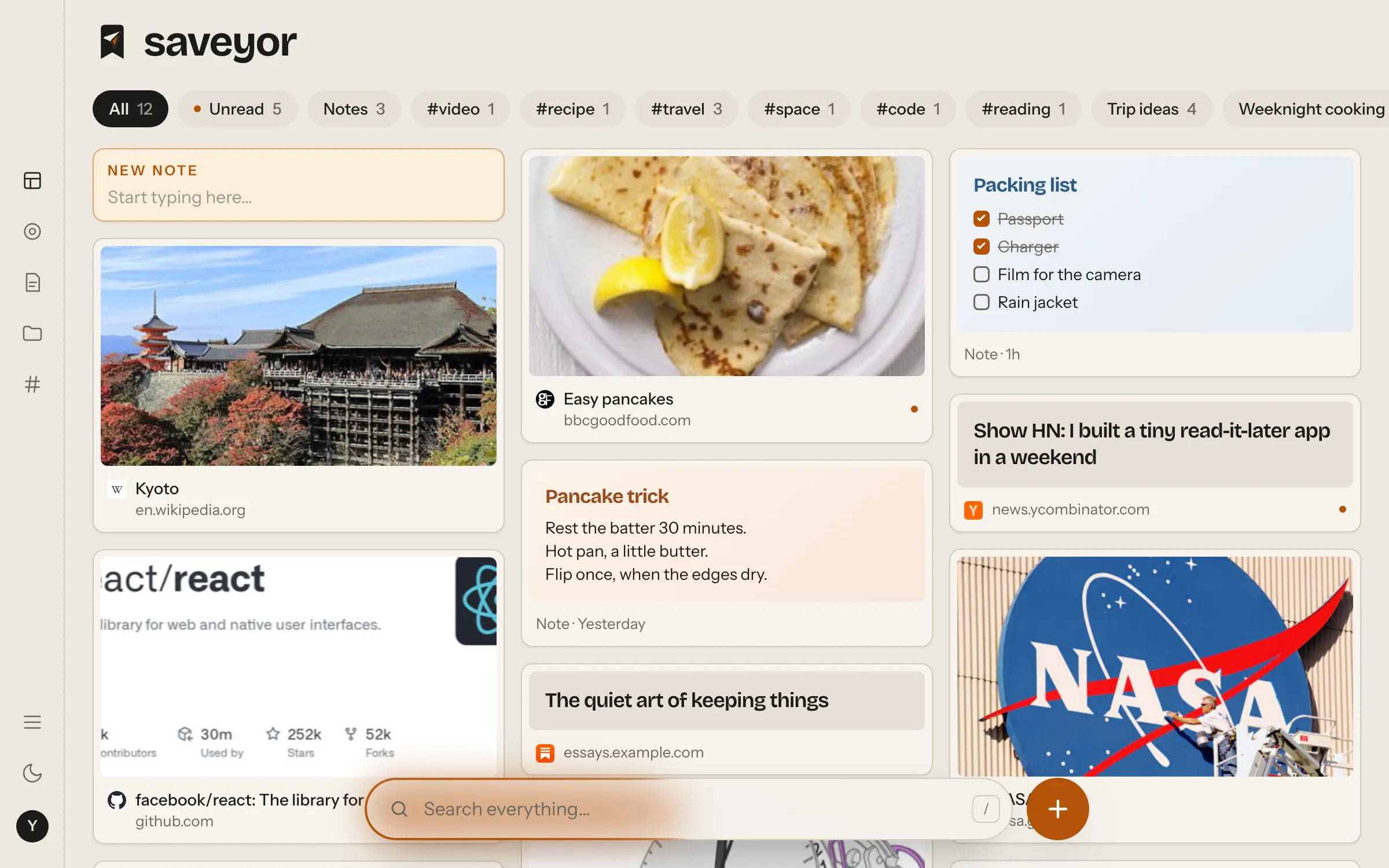
The Saveyor web library: a grid of saved links, notes and pictures
Offline

Works on the plane.

In the phone app, recent links keep a copy of the article and its pictures, so they open with no signal at all.

Also in the box

The small things.

Save from any app

Share from Safari, YouTube, Instagram and more. One tap and it’s in.

One click in Chrome

The extension saves the page you’re on, title and picture included.

Reader view

Strips a page down to the article. The text stays for later.

Collections

Group links by trip, project or mood. Share one as a link.

Tags

Add #tags as you save and filter by them in a tap.

Notes and checklists

Jot a thought or a list. Notes sit right next to your links.

Search inside pages

Finds the words in what you saved, not just the titles.

Bring your old saves

Import from Pocket, Instapaper or your browser’s bookmarks.

Good to know

Questions, answered.

I make content. What do I get?

A page at saveyor.io/@you with your links from every platform grouped into boards, like playlists. You share that one link; it shows whatever is on your boards right now. Here’s a sample.

Do my followers need an account?

No. Anyone with the link can open your page and your boards. An account is only needed to follow you or to save your links into their own library.

Can I change a board after I’ve shared it?

Yes, any time. Add, remove or hide links and the same link shows the new version.

Do I need an account?

Not for the phone app: it works without one, with everything stored on your phone. The Chrome extension and the web library need you to sign in with a 6-digit email code, and signing in on the phone puts your stash there too.

Is it free?

Yes, your page and username included. A Pro plan is planned for extras like AI summaries and permanent copies of pages.

Does it work offline?

The phone app does. Saving, searching and reading work without a connection, links saved while offline sync when you're back online, and recent links keep an offline copy of the article and its pictures. The Chrome extension and the web library need a connection.

Where is my data?

On your device first. When you sign in it's synced to Saveyor's servers so your other devices can see it. No ads, no tracking, no selling your data. The privacy page has the details.

Get Saveyor

Save from anywhere.

Your page, the Chrome extension and the web library are live. The phone app is in final testing; store links will appear here the day it goes live.

Web libraryOpen ↗ ChromeInstall ↗
iPhoneComing soon
AndroidComing soon